AI bookkeeping for small business saves 13 hours a month, if you trust the books
Corey Berg, Fractional Chief AI Officer
- automation
- tools
Most founders I talk to do not hate bookkeeping. They hate the Sunday night when it is three weeks behind and a tax or loan question needs a number.
Intuit just put a number on what AI can take off that pile, and a second number on what stops owners from using it.
What the report says
Intuit's 2026 AI Impact Report combines surveys of more than 34,000 small and midsize business owners with anonymized data from more than 5.3 million QuickBooks businesses in the US, Canada, the UK, and Australia.
The headline: early adopters of its AI tools saved about 13 hours a month, and 70% said they were confident their books were done correctly.
Two caveats. The 13 hours is Intuit's own figure about its own customers, so treat it as a vendor claim, not a guarantee. And early adopters are people who chose to try it, which tilts the result.
The second finding matters more to me. Trust, rather than cost, is now the main barrier to wider AI adoption. A separate write-up of the research makes the same point: time savings are real, and trust remains the key challenge.
Why trust is the right worry
I started in audit. Books that are fast and wrong are worse than books that are slow and right, because the error shows up later, in a tax return or a lender's review, when it costs more to fix.
An AI that categorizes transactions will be right most of the time. The question is what "most" means for your books, and who catches the rest.
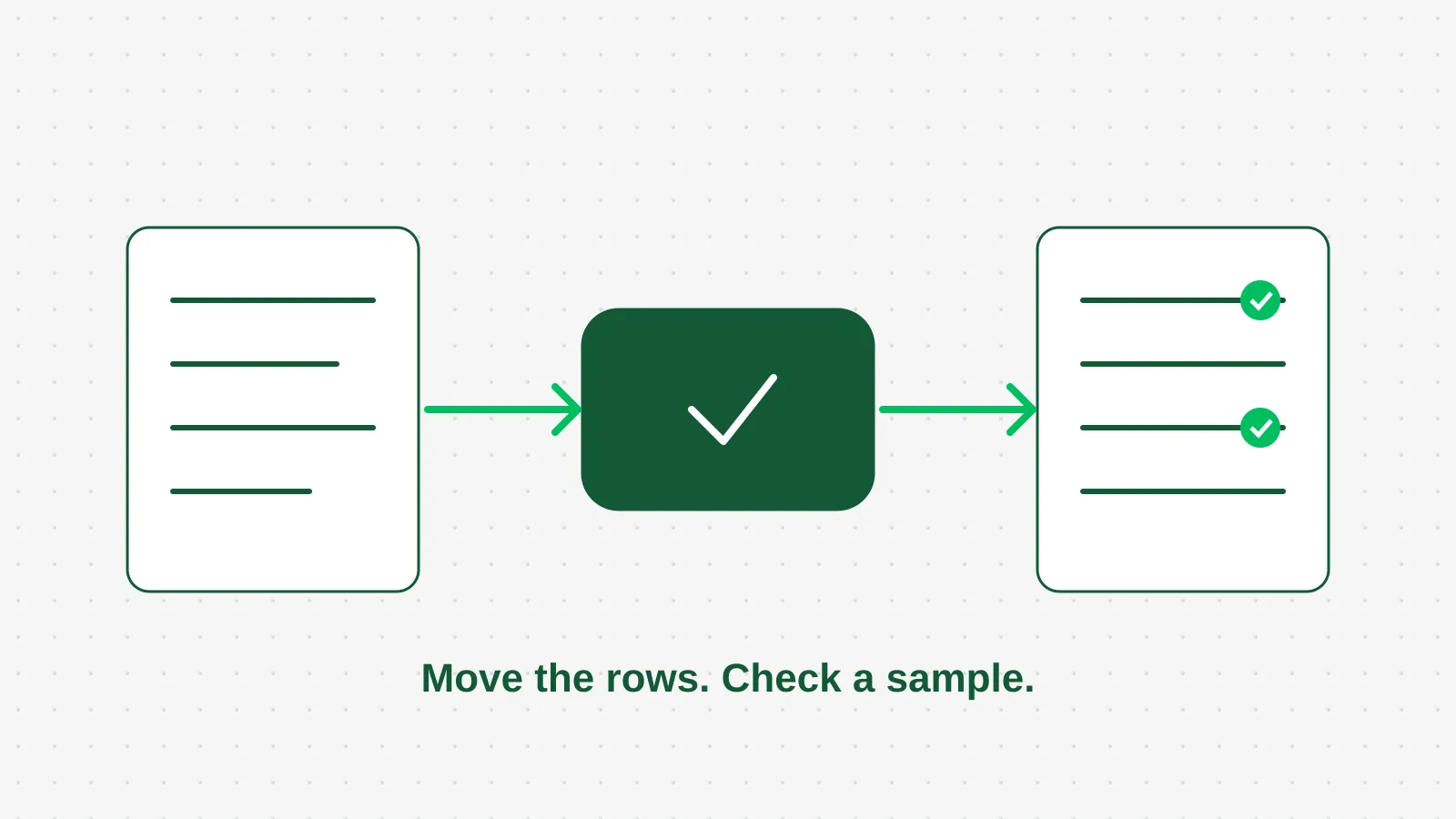
Automation moves the rows. A sampled check is what lets you sign off on them.
How a founder-led business should apply it
Treat AI bookkeeping as a system with an error rate, not a feature you switch on.
Here is the shape of a setup I would trust:
- The AI proposes, a person confirms the exceptions. Anything over a dollar threshold, or any vendor it has not seen before, goes to a review queue.
- A monthly sample. Pull 25 random transactions after close and check each category by hand. That takes under an hour.
- A written tolerance. Decide in advance what counts as acceptable. For example: no more than 2 wrong categories in 25, and zero errors on anything over $1,000.
- One owner. One named person looks at the sample every month. If nobody owns it, nobody does it.
If the sample passes for three months, loosen the review threshold. If it fails, tighten it and find out why before the next close.
The same logic applies to anything an AI touches in your admin work: invoice reminders, support replies, contract drafts. I set up every one of them with a review step and a measured error rate, because the first mistake a customer or an auditor sees is the one that ends the experiment.
Speed gets the headline. The error rate decides whether the system stays on.
The math, with the costs in
Say you spend 13 hours a month on bookkeeping and cleanup, and an hour of your time is worth $75. That is $975 a month of owner time.
Against that, count the real costs: the software plan, the setup to connect your accounts and rules, and the hour a month of review. If the tool and review together cost $300 a month, the net is $675 a month, about $8,100 a year. That is an illustration, not a promise.
The number to watch is the other side. One wrong tax category on a $10,000 expense can cost more than a year of savings. That is why the sample check is not optional.
What to do this week
Do three things before you change any tool:
- Count the hours your team spent on bookkeeping and reconciliation last month. Use real numbers from calendars or timesheets.
- Pull 25 random transactions from last month and check each category. That is your current error rate, and it is the baseline any AI has to beat.
- Write down your tolerance: how many errors you can accept, and on what dollar amounts.
If your current error rate is already high, AI may fix it. If it is low, you now know what it has to match.