AI shift coverage for small business starts with an owner go-ahead
Corey Berg, Fractional Chief AI Officer
- automation
- process
It is 6:15 on a Saturday morning and someone has called out. You scroll your phone for a name, text three people, and wait. By 7:00 you are covering the shift yourself.
Most owners of hourly teams know this loop. Last week a vendor automated it, and the way it did so is worth studying.
What launched
Homebase, the scheduling and payroll tool for hourly teams, launched Homebase Assistant on October 20. It builds schedules, writes job ads, screens candidates, and flags timecard errors before payroll runs.
The part that matters most is shift cover. According to SiliconANGLE, the assistant works out who could cover a sick-call shift, but none of them is contacted before the owner gives the go-ahead. After that, the software handles the outreach until somebody accepts.
Two caveats. Homebase did not share pricing, a wider release date, or which AI models it uses, and it is open to a limited number of businesses for now. And the company's own claim that its AI products have handled more than 4.7 million admin tasks since 2025 is unaudited.
The design is the lesson
The software does the slow part: finding names, sending messages, chasing replies. The owner keeps one decision: yes, go ahead.
That split is the pattern I use on most builds. Let the machine do the legwork, and keep a human on the one step that touches money, people, or reputation. A cover request is a promise of paid hours to someone. It should not go out on a guess.
It also tells you what to ask any vendor: what does it do on its own, and what waits for me?
What this means for a founder-led business
You may not run a restaurant. The same shape shows up in any business with a scheduled crew: a service company with technicians, a clinic with front desk coverage, a retailer with weekend staff.
Before you buy or build anything, price the problem. Take one month and count:
- How many times did a shift or appointment slot go uncovered at the last minute?
- How long did each one take you or a manager to resolve?
- What did each cost: overtime, a lost booking, a closed counter?
An example, with made-up numbers for illustration. Eight call-outs a month, 40 minutes each to resolve, is about 5 hours and 20 minutes of manager time. At $50 an hour that is roughly $267 a month, before any overtime premium or lost sales from a short-staffed shift. If one bad Saturday costs you $600 in lost sales, the real number is the sales, not the minutes.
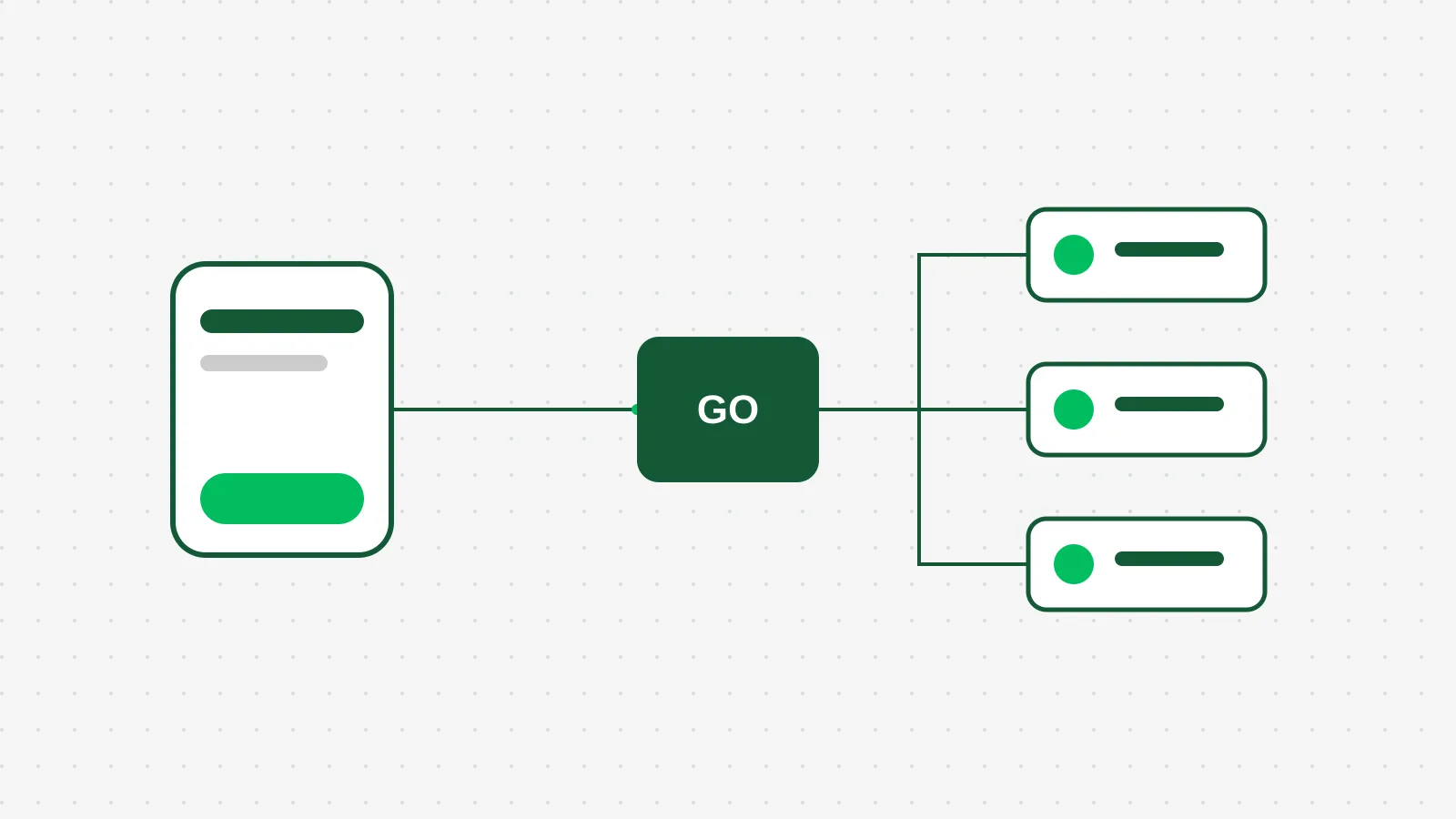 The machine builds the list. The owner presses go.
How a system like this should work
A good cover system has four parts:
- A trigger. A call-out message, a missed clock-in, or a manager tap.
- A ranked list. Who is qualified, off, and under their overtime limit.
- An approval step. You see the list and pick go or no-go.
- Follow-through. Messages go out, replies are tracked, the schedule updates when someone says yes.
The tools exist in pieces. Most scheduling platforms hold the data, and a workflow tool like Make can connect the messaging. The hard part is the rules: who gets asked first, what counts as overtime, what happens if nobody answers in 20 minutes. Those rules are specific to your business, and they decide whether the system helps or creates a new mess.
What to do this week
Count your last-minute coverage gaps for the past 30 days and put a dollar figure on each. Then write down, in one sentence, the decision you would never hand to software. That sentence is your approval step, and it tells you what to ask a vendor before you sign anything.