Build a quote calculator inside ChatGPT in 20 minutes
Corey Berg, Fractional Chief AI Officer
- automation
- tools
Every time a lead asks "what would this cost," somebody on your team opens a spreadsheet, squints at last month's job, and guesses. It takes 15 minutes. Sometimes the guess is wrong and you eat the difference.
On October 7, OpenAI shipped something that changes how fast you can fix that. It is small, and it has a catch, so let me walk through both.
What shipped
OpenAI launched GPT-6 and a feature called Intelligent UI in ChatGPT. Replies can now mix text, tappable buttons, forms, charts and interactive tools instead of just text.
You can also ask for a small tool on request. In TechRadar's test, a retirement question produced a calculator with sliders for retirement age and monthly savings.
Paid plans got it on October 7, and OpenAI staged the Free and Go rollout to begin the next day. Rollout is gradual, so you may not see it yet, but you likely do not need a new subscription to try it.
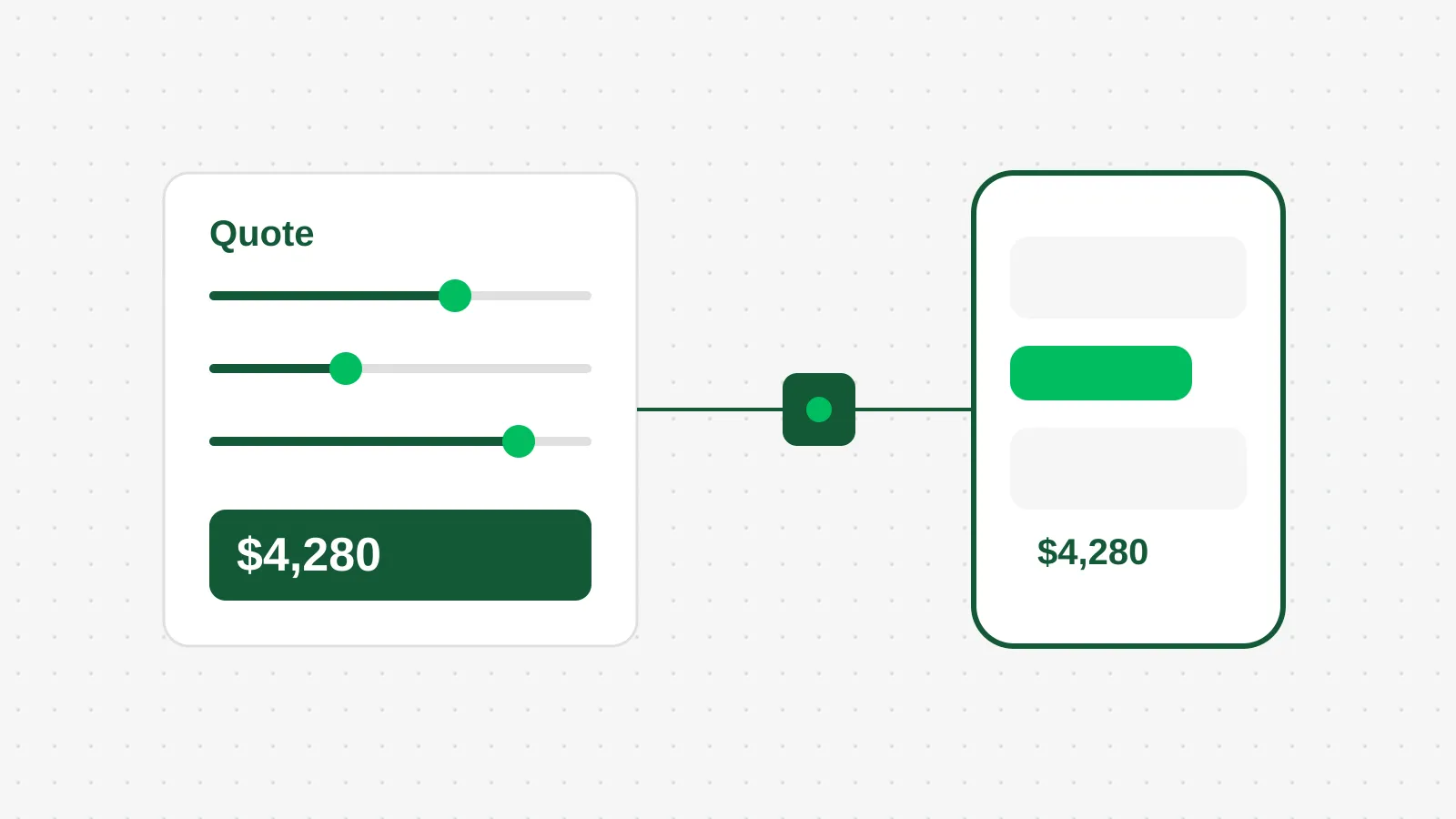
Plain-language request in, working estimator out.
How a founder-led business would use it
A quote calculator is the obvious first build. You already know your pricing logic. It just lives in your head or in a spreadsheet nobody trusts.
Here is the setup I would use:
- Write your pricing rules in plain sentences. "Base price is $X. Add $Y per unit. Rush jobs add 20%. Minimum job is $Z."
- Paste them into ChatGPT and ask for a quote calculator with sliders or fields for each input and a total at the bottom.
- Test it against three past jobs where you know the real price.
- If one result is off, tell it which rule it got wrong and ask for a fix. Repeat until all three match.
- Save the pricing rules text somewhere you own, so you can rebuild the tool in two minutes if it disappears.
That is the whole build. Twenty minutes is realistic if your pricing rules are already clear. If they are not clear, the exercise will show you that, which is worth something on its own.
The math
Say your team spends 15 minutes on each quote and you send 30 quotes a month. That is 7.5 hours a month. If the calculator cuts each quote to 3 minutes, you get back 6 hours.
At $40 an hour of loaded staff time, that is $240 a month. Not life-changing, but the build costs nothing on a free plan and the saved time shows up the first week.
The bigger number is the wrong-quote cost. If one bad quote a quarter costs you $500 in margin, a calculator that applies your rules the same way every time pays for itself on that alone.
Where it will burn you
Be honest about the limits.
First, it is a chat feature, not a system. OpenAI describes these as interactive tools that work inside the chat. It does not post a quote to your CRM, send a PDF, or follow up. It helps you or your staff quote faster. It does not run the quote process.
Second, the math can be wrong. Kami Labs tested the free version and found a bill splitter whose shares added up to 195.40 euros on a 187.40 euro bill, with a warning shown by the tool itself. That is why step 3 is not optional. Test against real jobs before anyone uses it on a live quote.
Third, do not put it in front of customers yet. Use it internally, with a person reading the number before it goes out.
What to do this week
Pick the one quote you give most often. Write its pricing rules in five sentences or fewer. Build the calculator, test it against three jobs you have already priced, and keep it only if all three match.
If it works, you now know your pricing logic is clear enough to automate properly. If it does not, you found the gap before a customer did.