How to use ChatGPT's new voice mode for real work
Corey Berg, Fractional Chief AI Officer
- automation
- tools
You are between meetings, phone in your hand, and the small stuff is stacking up: a follow up email to the lead who just called, a two line recap for your team, a quote that needs to go out before the day ends. None of it is hard. All of it needs a keyboard you do not have on you right now, so it waits until you are back at a desk, and by then some of the detail is gone.
What actually changed
On September 23, OpenAI added a Work tab with voice to the ChatGPT mobile app. Plus and Pro subscribers can now talk to ChatGPT and have it draft a document, write an email, summarize a Slack thread, put together a presentation, or pull up connected financial data, straight from the phone, without opening a laptop.
Under the hood this runs inside what OpenAI calls ChatGPT Work, its cloud connected agentic system, powered by a voice model it calls GPT-Live-1, or a smaller GPT-Live-1 mini on lower plans. Free subscribers and the $8 a month Go tier get a lighter version instead: access to plugins and connected apps, not the full Work tab.
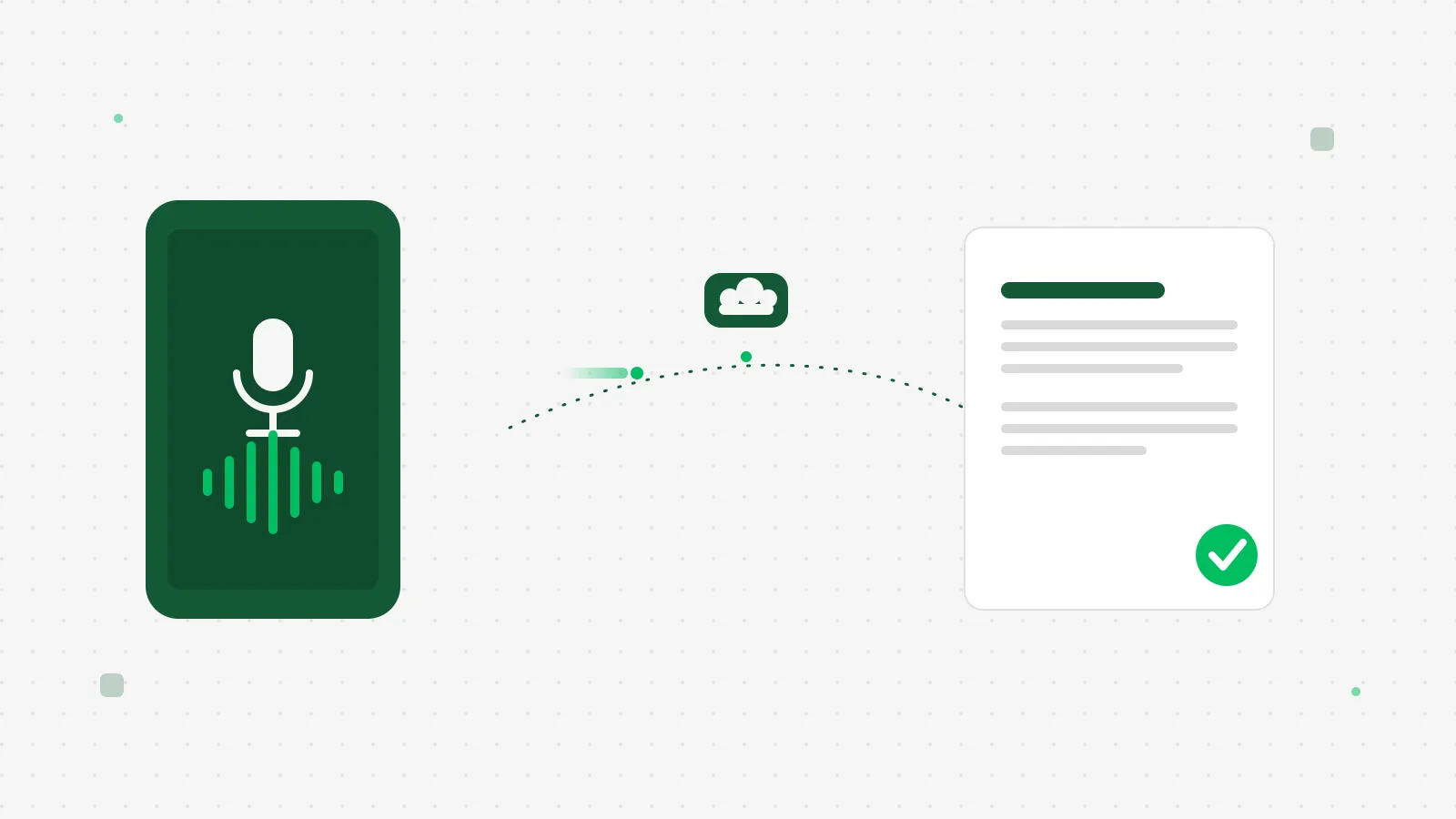 Talk to it, and the draft is waiting before you put the phone down.
How a founder-led business applies this
This does not replace a real automation, the kind that answers a lead or sends an invoice while you are asleep. What it replaces is the few minutes you lose twice a day switching from doing the work to typing about the work.
Say you just walked out of a client meeting. Instead of trying to remember the details later, open ChatGPT, tap Work, and talk through what happened. Ask it for a follow up email to the client and a two sentence recap for your team's Slack channel. You are back to your day in under two minutes, and both messages are sitting in drafts waiting for a look before they go out.
Or you are walking to the next appointment thinking about a stack of unpaid invoices. Ask it to check your connected accounting data and tell you what is still open. That used to mean sitting down at a laptop. Now it is one sentence, spoken.
A third case is the one most owners skip because it feels too small to bother with: the quote you promised to send "later today" and then forgot by dinner. Talk through the scope while it is fresh, right after the walkthrough, and have it draft the document on the spot. The quote goes out the same afternoon instead of two days late, which is often the difference between winning the job and hearing the prospect already picked someone else.
The honest math
The catch is what it costs to get there. The Work tab with voice sits behind ChatGPT Plus at $20 a month or Pro at $100 to $200 a month. The free tier and the $8 a month Go tier only get the lighter plugin access, not this. If you already pay for Plus, this is new value on a bill you already have. If you do not, weigh $20 a month against what an hour of your own time is actually worth. For most founder-led businesses that is not close.
There is one more cost worth naming: a review step you should not skip. Voice transcription is good, not perfect, and anything it drafts on your behalf, an email, a quote, a Slack message, should get a five second read before it sends. A wrong number in a quote costs more than the time you saved dictating it.
None of this needs new software, a new login, or an integration project. If you already pay for ChatGPT Plus, the feature is already sitting in the app on your phone, waiting for you to tap Work instead of typing your next message. That is the actual value here: not a new capability so much as removing the last excuse for putting off a two minute task until you are back at a desk.
What to do this week
Pick three things you already do from your phone: a follow up email after a call, a recap for your team, a quote or invoice check. This week, talk them through instead of typing them out, and read each one before it sends. If it saves real time, the twenty dollars pays for itself fast. If it does not, you have lost nothing trying it.