Give your AI agent skills, not one giant prompt
Corey Berg, Fractional Chief AI Officer
- automation
- tools
If you have ever opened ChatGPT or Claude and pasted in a paragraph explaining your whole business before asking one question, you already know the problem. The AI answers fine that one time. Tomorrow you paste the paragraph again, slightly different, and get a slightly different answer. Nothing about the setup gets better with use.
This week gave a good look at the fix, and it did not come from a small tool. It came from the biggest CRM in the world.
What actually changed
On August 26, Salesforce and Anthropic announced a partnership called Claudeforce. The part worth your attention is not the brand name, it is how the product works. Salesforce in Claude, the plugin the partnership launches with, does not hand Claude one giant prompt and turn it loose on your sales data. It ships 37 named skills, things like meeting prep, deal health review, and pipeline review, each one built and scoped for a specific job.
Every skill reasons over your live CRM data and can take what Salesforce calls governed action, updating a record or drafting a follow up, inside defined limits instead of freely. Select pilot customers have it now. Open beta opens in September, with more skills planned for later in the year.
Salesforce is not the point here. Almost nobody reading this runs Salesforce at your revenue size. The pattern underneath it is the point, and it costs nothing to copy.
The pattern, without the CRM
A skill, in this sense, is four things written down once: a name, the exact job it does, what it needs to do that job, and where it has to stop and ask a person. Compare that to how most owners actually use AI tools today, which is one running chat thread that tries to remember everything and drifts a little more every week.
I build this exact pattern for clients, minus the Salesforce name. A support inbox automation is not one prompt that handles every kind of email. It is a triage skill that sorts and tags, a drafting skill that writes a reply for the common questions, and an escalation skill that flags anything about a refund or a complaint for a human to look at first. Three narrow jobs, each one easy to check, beat one broad job that is hard to trust.
You do not need a developer or a CRM plugin to start. Open whatever AI tool you already pay for, Claude Projects, a custom ChatGPT, or even a saved prompt in a doc, and write down three things your business does the same way every week. A quote follow up email. A meeting recap sent to the client. An invoice reminder for anything ten days past due.
For each one, write four lines: what it is called, what it should produce, what information it needs from you to work, and one sentence on when it should stop and hand the task back to you instead of finishing it alone. That last line is the one people skip, and it is the one that makes the difference between a tool you trust and one you have to double check every time.
The honest math
Writing three skills like this takes a working session, call it 90 minutes if you have never done it before. That is the entire cost. There is no subscription tier for this, no new software, just clearer instructions to a tool you already have.
Compare that to the cost of not doing it. A vague, all purpose prompt gets re-explained every time you use it, and every re-explanation is a few minutes you were not planning to spend. At even five uses a week, three minutes of re-explaining each time, that is close to 13 hours a year lost to a setup that never got fixed. Ninety minutes once beats that easily.
The failure mode to watch for is the opposite of Salesforce's problem. A big company can afford 37 skills built by two engineering teams. You cannot, and you do not need to. Three or four skills, each one doing one job well, covers most of what repeats in a founder-led business. Add a fifth only when a new task starts happening every week, not because it sounds useful in theory.
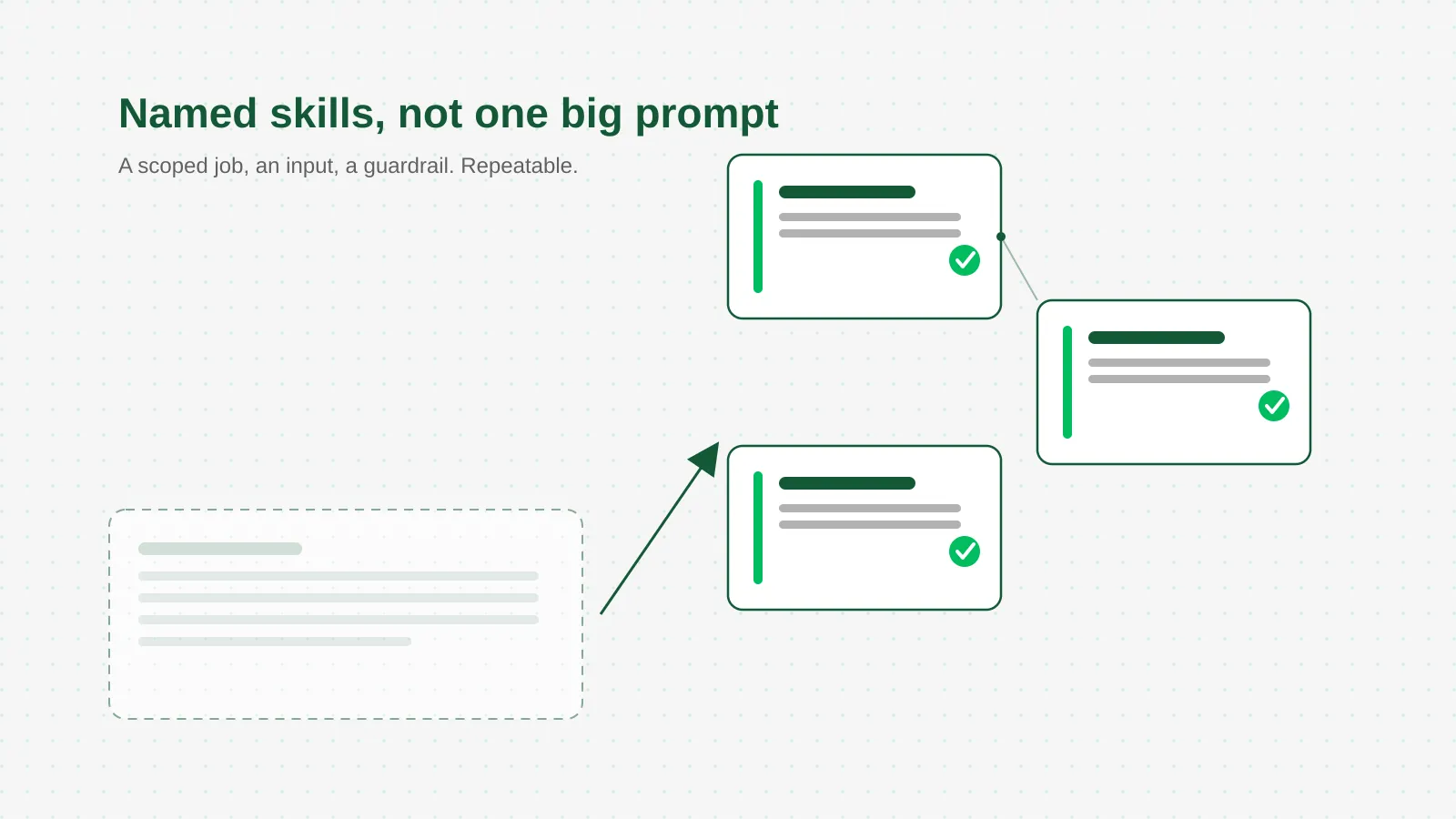 Three named jobs beat one job that tries to do everything.
This is the same shift I make with every client, whether the news of the week comes from Salesforce, Anthropic, or nobody at all: point the AI at one clear job at a time, with a real answer for when it should stop, instead of asking it to be your whole business at once.
What to do this week
Pick the AI tool you already use most. Write down the three tasks you ask it to help with more than any others. For each one, write four lines: the name of the skill, what it should produce, what it needs from you, and the one condition where it stops and asks you first. Save those four lines somewhere you will actually reuse them, a pinned note, a Claude Project, a saved ChatGPT prompt, and use the written version instead of retyping the explanation from memory next time.