What an always-on AI agent costs a small business
Corey Berg, Fractional Chief AI Officer
- automation
- pricing
Most AI tools wait for you. You type, it answers, you close the tab, and nothing happens until tomorrow. That is fine for drafting an email. It is useless for the stuff that actually eats a founder's week: the follow-up nobody sent, the recurring report nobody built, the calendar nobody cleaned up.
OpenAI just shipped something aimed at that gap, and it has a price tag worth looking at before you get excited.
What happened
At DevDay on September 29, OpenAI launched Dots, agents that keep running when you close the tab. Each one has its own cloud computer, works toward goals you set instead of one-off prompts, and can connect to thousands of apps through plugins. It can text you later with what it did.
You set the boundaries: what it can do on its own, what needs your approval, and what it must never do.
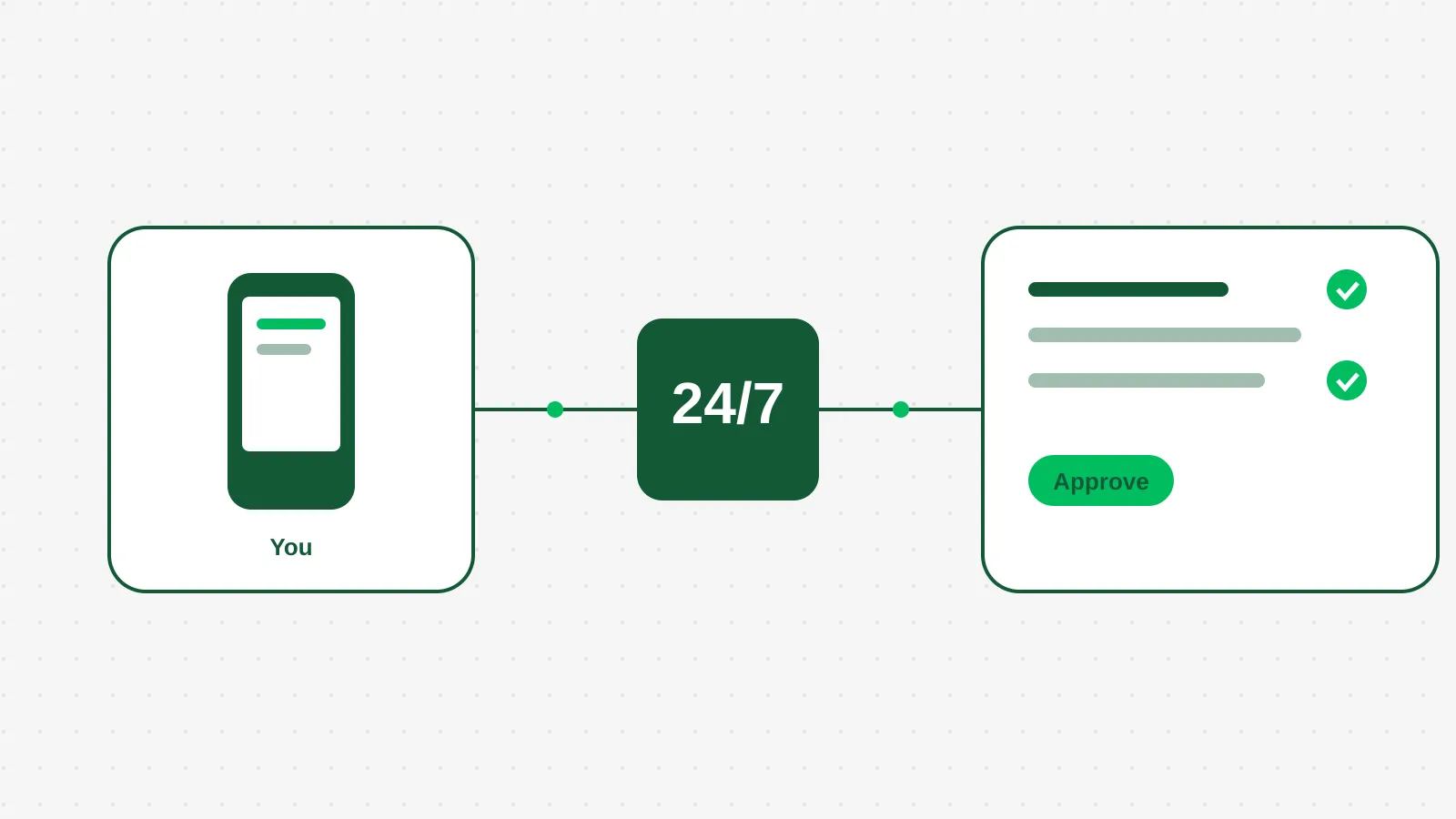
An always-on agent is a worker on a schedule, not a chat window.
What it costs
There is no free version. The cheapest plan that includes a Dot is the $100 a month Pro plan. A Business Premium seat is $125 per user per month and also includes one. Higher tiers at $200 and $500 a month buy more usage. Enterprise and education workspaces get a beta once an admin turns it on, per this rollout coverage.
So the entry cost is $1,200 a year for one agent, or $1,500 a year per seat on Business Premium. That is the real number. The catch is usage: if your Dot hits its limit, the next step up doubles the monthly price.
How a founder-led business would use one
The useful way to think about a Dot is as a part-time admin with no memory problems and no weekends. Here is where I would point it first in a business doing $1M to $10M.
Weekly follow-up sweep. Every Monday it reads open quotes and unanswered inquiries, drafts the nudges, and texts you the list. You approve, it sends. This is the same job a missed-lead leak costs you today.
Recurring reporting. Pull last week's invoices, flag anything past 30 days, and put one summary in your inbox before you sit down. No one builds a dashboard for this. A Dot just does it every Friday.
Calendar and meeting cleanup. Merge duplicates, flag double bookings, send you tomorrow's prep the night before.
Set the approval rule first. Anything that sends money, signs something, or contacts a customer should need your yes. Anything that only reads and summarizes can run on its own. That one rule is the difference between a helper and a liability.
The honest math
Say a Dot saves you 5 hours a month. That is my assumption, not a measured result. At a $50 an hour loaded cost for your own time, that is $250 a month against a $100 plan. It pays for itself at 2 hours.
Now the other side. If it saves you 1 hour a month because you never set it up properly, you paid $100 to feel modern. The tool does not decide which side you land on. The setup does: which work you hand it, what the approval rules are, and whether anyone checks its output in week one.
One more cost to count: a Dot lives inside one vendor's product. If you build your weekly sweep there, moving it later means rebuilding it. That is a reason to write the job down in plain steps first, so it works anywhere.
What to do this week
Pick one recurring job that you do by hand every week and that only reads information, such as the Friday overdue invoice summary. Write it as five plain steps. Run those steps once manually with any AI tool you already pay for, and time it.
If the output is good, you have a spec you can hand to a Dot, to Make, or to anyone. If it is not, you just saved yourself $100 a month.