Why human approval doesn't make your automation safer
Corey Berg, Fractional Chief AI Officer
- automation
- process
Somewhere in your business is an automation that pauses and waits for a person before it does anything real. It drafts the email, and someone clicks approve. It builds the invoice, and someone clicks approve. It feels like the safe version, the one with a human still in charge. We build that pause into plenty of systems ourselves. New data this week says the pause is not doing what we think it does.
What actually changed
On August 14, Anthropic is turning on "auto mode" as the default for Claude Code, its AI coding tool, for everyone on a Pro, Max, or Team plan, according to its own announcement. Instead of asking a person to approve nearly every action the AI wants to take, a classifier decides in real time what is actually risky and only stops for that.
The reason behind the switch is the part worth your attention, not the coding tool itself. Anthropic ran a controlled test with 1,053 paid users and found that human reviewers, the people clicking approve or deny on each AI action, caught only 13.6% of commands that were genuinely dangerous. The automated classifier caught 89% of the same set, as reported by TechCrunch. Across the test, people approved 97% of everything the AI asked to do. Auto mode ended up blocking 800 actions that a human had already waved through, while humans caught only 6 that the classifier missed.
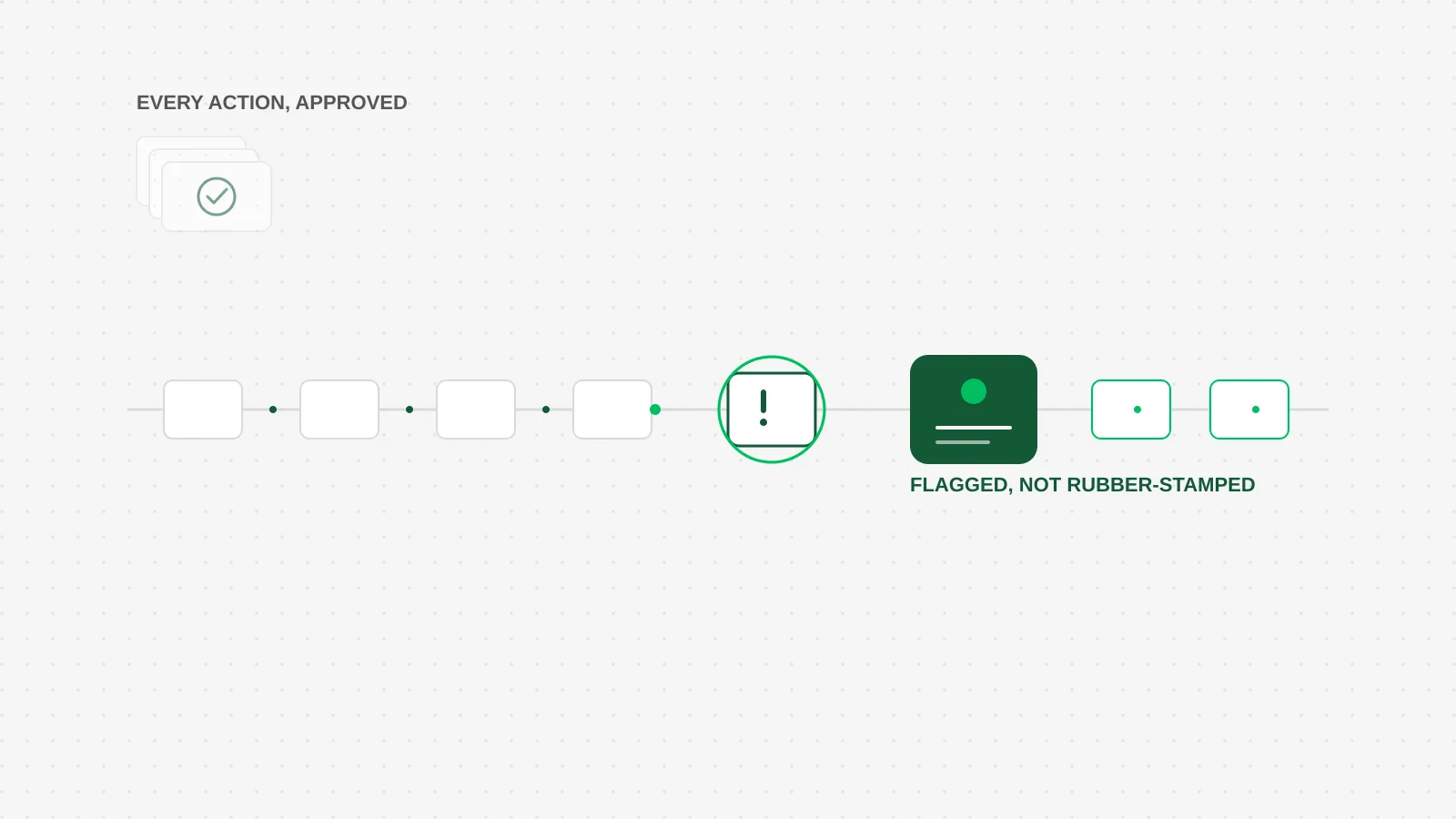 The point of a checkpoint is what it catches. Most of these cards never needed a human at all.
The pattern has a name: approval fatigue. Ask a person to approve the same kind of thing forty times a day, and the fortieth click stops being a decision. It becomes a reflex.
How a founder-led business applies this
You probably do not have 1,053 employees clicking approve on AI actions. You might have one person, maybe you, clicking approve on the emails an assistant drafts, the texts a follow up sequence wants to send, or the line items an invoicing tool wants to generate. The mechanism is identical. The first ten approvals get read closely. By approval fifty, the click happens before the eyes finish the sentence.
That does not mean the approval step should disappear. It means the approval step should not be attached to everything equally. Right now, most owners we talk to have one setting: either the automation runs on its own, or a human checks every single output before it goes out. There is a third option, and it is the one the data above actually points to. Decide up front what kind of action deserves a real look, and let the rest run.
A useful split: anything that touches money, a legal commitment, or a customer relationship you have not dealt with before gets a human look, every time, no exceptions. A routine follow up text using a template you already approved, a receipt that matches a known vendor and a known amount, an appointment confirmation, those do not need someone rereading them each time. Building that split into the automation, instead of routing everything through the same approval gate, is what actually keeps the risky 3% getting real attention instead of getting lost in the other 97%.
This is not a call to remove human oversight from your automations. It is a call to stop spreading it so thin that it stops working. A checkpoint that catches everything ends up catching nothing, because nobody can stay sharp on the four hundredth identical click.
The honest math
Say someone on your team spends 10 minutes a day approving AI-drafted texts, emails, or invoice lines, most of which look exactly like the ones from yesterday. That is roughly 3.5 hours a month spent clicking approve on things that, per the numbers above, are getting a real look maybe 1 time in 10. You are paying for the appearance of oversight, not the thing itself.
Rebuilding that single approval gate into two tiers, a short list of conditions that always route to a human and everything else that runs straight through, usually takes 1 to 2 hours of setup if the automation already exists: defining the conditions, testing them against a batch of real past examples, and confirming nothing that should get caught slips through. That is a one time cost against a recurring 3.5 hours a month that was not actually catching much.
The honest tradeoff: you are trading a review step that felt safe for one that is smaller and sharper. If that makes you nervous, start conservative. Route more to the human list than you think you need, then loosen it once a month of real results shows you where the false alarms are.
What to do this week
Pick one automation in your business that currently asks a person to approve every single output. Pull the last 20 items it generated. Sort them into two piles: the ones where a careless approve would actually cost you something, and the ones that were always going to get approved no matter what. If the second pile is bigger, that gate is not protecting you. It is just slowing you down while you rubber-stamp it.