Why your automation can fail without you knowing
Corey Berg, Fractional Chief AI Officer
- automation
- process
Somewhere in your business, a step in one of your automations can die quietly. The webhook that used to fire when a lead came in points at a URL that changed six weeks ago. The field an automation reads from your CRM got renamed during a cleanup, so every run since has been sending blank texts. Nothing crashes. Nothing turns red. The dashboard still says the workflow is on. You only find out when a client mentions they never heard back, or a lead you swear you never got shows up signed with someone else.
What actually changed
On September 11, GoHighLevel added a publish-time check to its workflow builder that stops a broken workflow from going live at all. Before this, you could hit publish on a workflow with a dead reference, a missing field, or a broken condition, and it would go live anyway, with the error sitting wherever it sat, easy to miss. Now, publishing with any unresolved error blocks the workflow and shows you exactly what is wrong, with a shortcut to fix it on the spot. A companion update merged the scattered frontend and backend error messages into one panel, so you see every problem in a single place instead of hunting for it.
Read that plainly. For years, one of the biggest automation platforms in the industry let broken workflows run in production, silently, with no warning to the owner. That is not a knock on GoHighLevel. Every platform I have used, Make, n8n, Zapier, has the same gap somewhere. This is just the first time I have seen a major platform close it by default instead of leaving it to the user to notice.
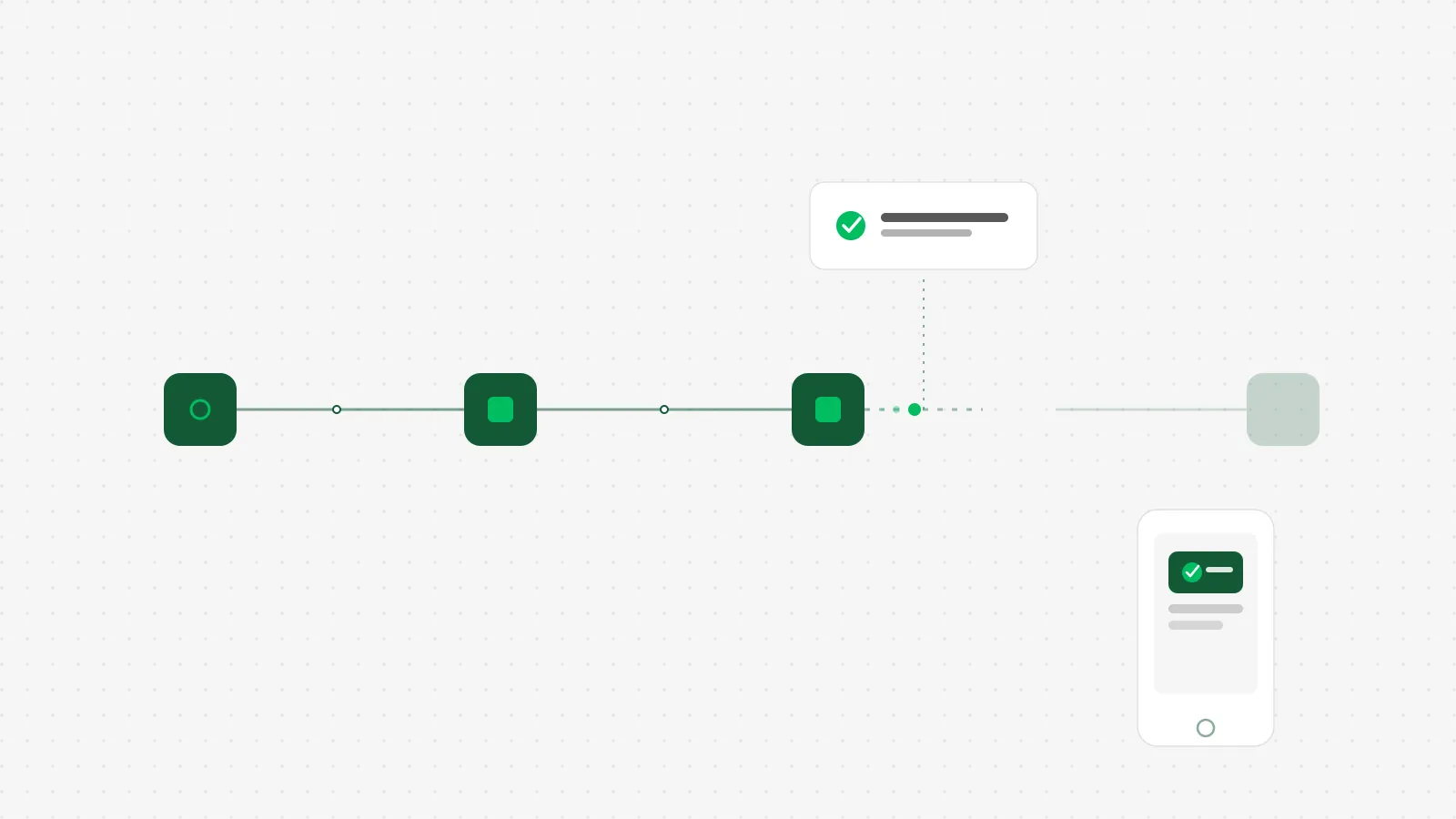 The pulse stops the moment the path breaks. The question is whether anything tells you.
How a founder-led business applies this
If you use GoHighLevel, this update protects you the moment you publish something new. It does nothing for the automation you built eight months ago that has been running broken since a field got renamed in July. That gap, the automations you are not actively editing, is the one that actually costs you money, because nobody is looking at them.
The fix does not require a new tool or a developer. It requires one thing most automations do not have: a way to prove they are still alive. Two options, both cheap.
Add a dead simple heartbeat. At the end of your most important automation, the one that texts new leads back or sends invoices, add a step that pings a free monitoring service like Healthchecks.io. Set it to expect a ping on the schedule that automation should run. If the ping does not arrive, it emails or texts you. This costs nothing and takes about 15 minutes to wire into an existing workflow in Make, n8n, or GoHighLevel.
Turn on the notification your platform already has. Make and n8n both have a built-in setting to alert you when a scenario or workflow throws an error, and it ships off by default. Go turn it on for anything that touches a lead or an invoice. GoHighLevel's execution history shows failed steps directly, so check it once a week until you trust it enough to check it once a month.
Neither option tells your platform to fix the workflow for you. Both tell you the moment it stops running, instead of the moment a client tells you.
The honest math
Say your speed to lead automation quietly breaks on a Friday and nobody notices until the following Monday. If you get 10 leads a day and close 1 in 5 at $2,000 a job, three dead days is 30 leads with no reply at all, worth roughly $12,000 in business at your normal close rate, and probably closer to zero, because a lead with no response for 72 hours has usually already hired someone else.
A heartbeat check costs nothing on the free tier of a tool like Healthchecks.io, and the setup is 15 minutes, once. Turning on a platform's built-in error notification costs a couple of clicks. Weigh 15 minutes against $12,000, and this is the cheapest insurance you will buy this month.
What to do this week
Pick the one automation in your business that would actually hurt if it silently stopped running, usually the one that answers new leads or sends invoices. Check whether it has any way to tell you it broke. If the answer is no, spend 15 minutes adding a heartbeat check or turning on the error alert your platform already ships with. You do not need to hire anyone, including me, to close this gap. You just need to know before your client does.